
Instead of selecting a payment account each time you submit a bundle to the court, you can specify a default account. This account is auto-selected in the Checkout dialog. Your default can be either a private or shared account.
To identify a default payment account:
Click Settings in the navigation pane.
On the Settings page, expand the Payment Accounts pane.
Locate the account to identify as a default and click the >. The pane expands to list the account details.
Click the Set Default button.
The default account is identified as such on the Payment Accounts pane:
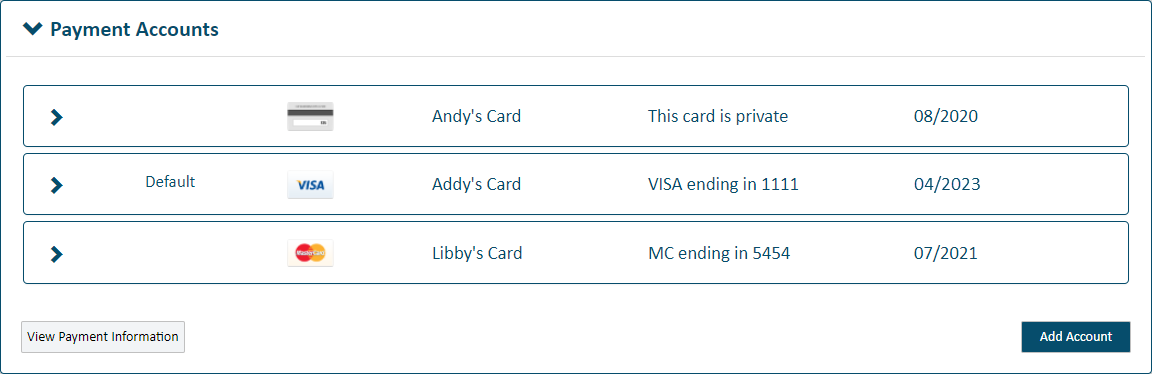
On the Checkout dialog, this account is identified as the default and is listed first.
Be aware that, if your default account is a shared account, and the connection that created the account makes it private or deletes it, the account will no longer be available to you. As a result, you’ll need to specify a different default account.