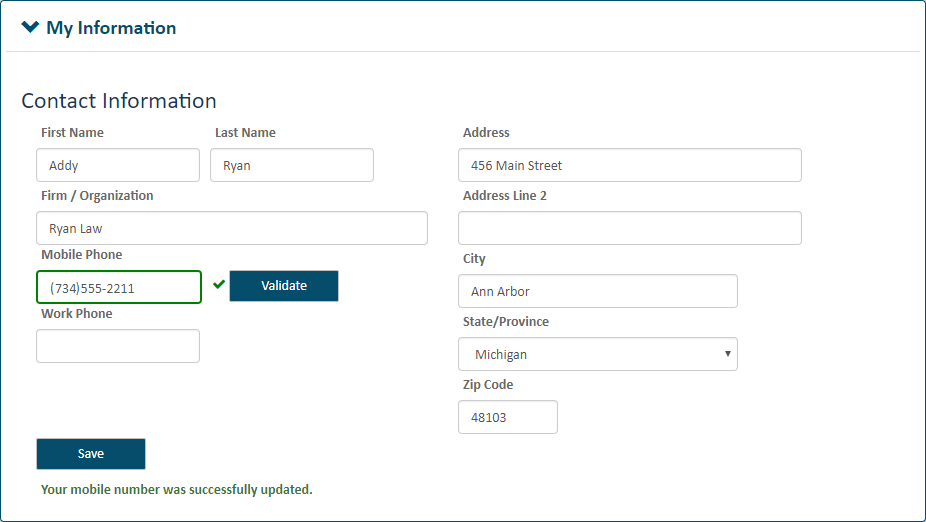
You can update your contact information on the Settings page.
Click Settings under Main Pages in the navigation pane.
Expand the My Information pane.
Update your contact information.
Click Save.
You can also update your password and manage your user role on this page.
If you want to receive notifications about your filings via text message, your contact information must include a validated mobile phone number.
In the My Information pane, input your Mobile Phone number.
Click Validate.
You'll receive a text message at the number you provided that contains a verification code.
Input the code in the Verification Code dialog.
If you didn't receive the text message or it was accidentally deleted, click the Resend Verification Code link to have another text sent.
Click OK to leave the dialog.
When your number is successfully validated, a green check mark will display beside the Mobile Phone field.
You can now select the text option in the Notification Settings pane on the Settings page.