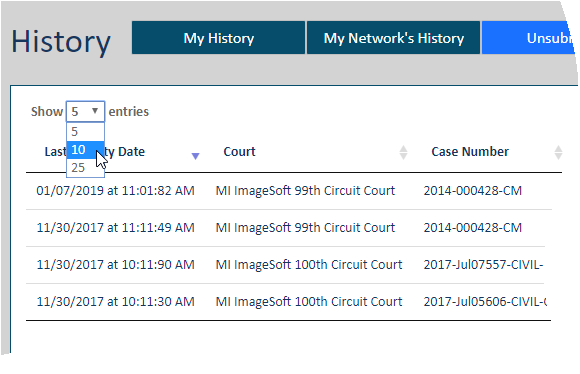
The History page details your filing history, as well as your connections' histories. You can choose to view just your filing history (on the My History tab) or your connection network's filing history, which includes your own (on the My Network’s History tab). You can also access filing bundles you’ve saved but haven’t submitted to the court on the Unsubmitted tab.
Use the display options to quickly locate your filings.
Use the Show field drop-down list to specify the number of entries to display. The default value is 5.
Use the Previous and Next buttons at the bottom of the page to move between pages. You can also simply select the page number.

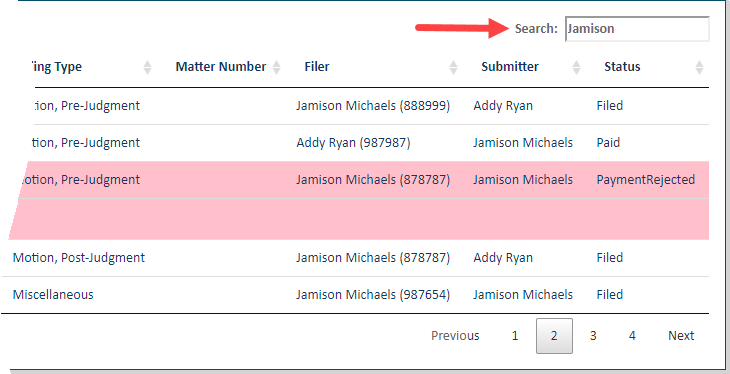
You can filter the entries displayed. Input criteria in the Search field. As you type, the transactions listed are filtered.
Re-order the Submitted Filings Grid
View and Export your Payment Transactions